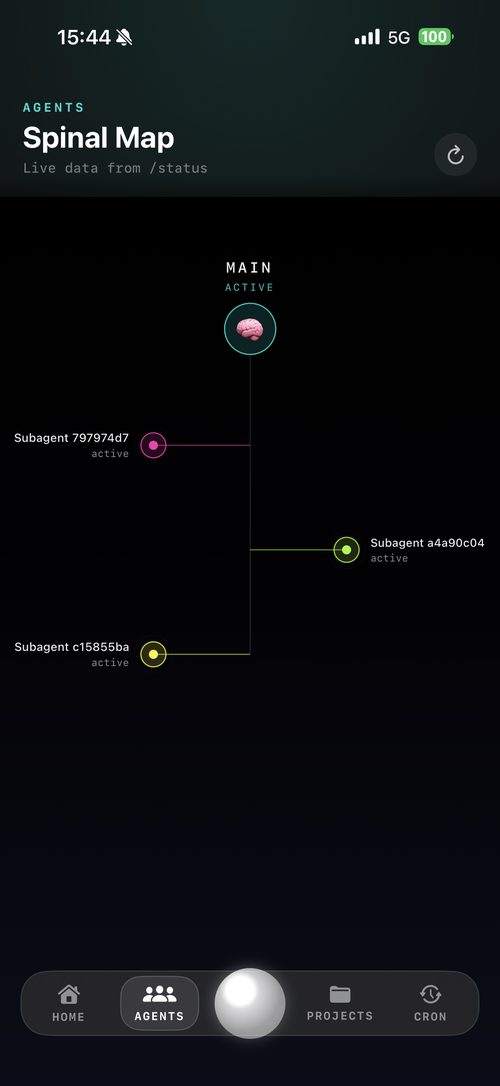
Vision and Deep Scan
Point your iPhone at a room, shelf, screen, tool, food label, patient handout, or bug. Your agent gets grounded visual context instead of a vague prompt.
CARAPACE connects your iPhone to OpenClaw and Hermes so they can see what you see, hear what matters, know where they are, and act across your machines.
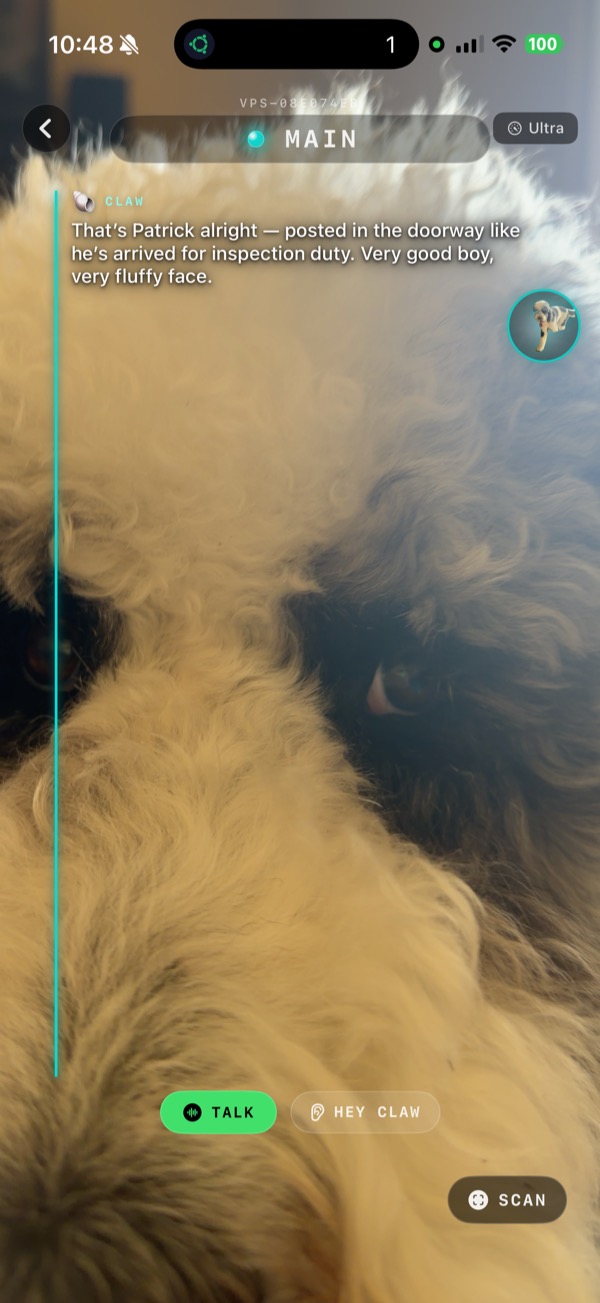

The actual unlock
Most agents are trapped behind a text box. CARAPACE turns your phone into their sensor rig, control surface, and secure remote cockpit.
Point your iPhone at a room, shelf, screen, tool, food label, patient handout, or bug. Your agent gets grounded visual context instead of a vague prompt.
Talk naturally while CARAPACE carries the live scene, transcript, location, and active runtime into the same conversation.
The phone adds place, movement, device signals, and environmental hints so your setup understands where the work is happening.
One control layer
Run OpenClaw as the main operating layer. Add Hermes when you want another runtime on the same host. CARAPACE keeps them cleanly separated while making them feel like one fleet.
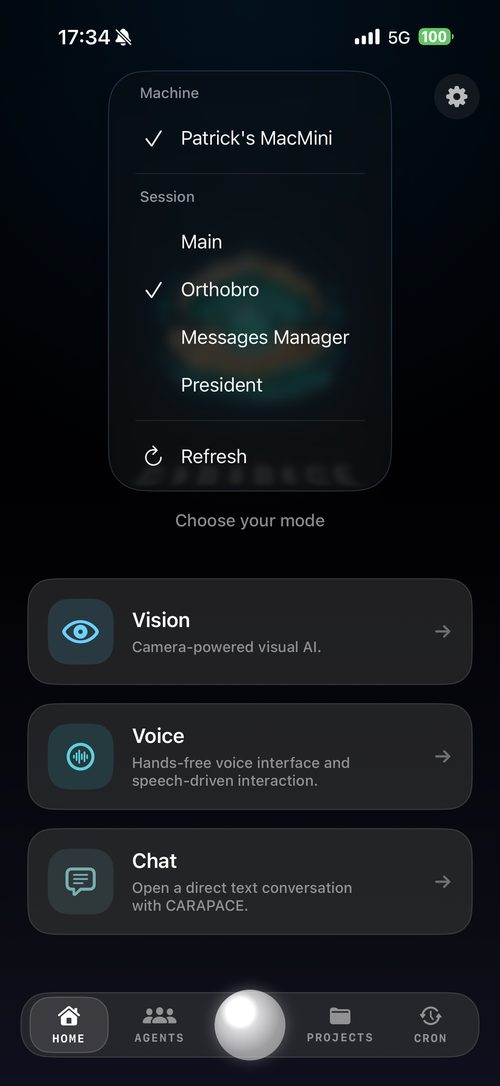
Mac, Linux, VPS, Raspberry Pi, and sibling runtimes under one friendly machine picker.
Dedicated agents keep identity, history, projects, and purpose separated.
OpenClaw and Hermes can live behind one QR with one home-screen toggle.
Your gateway, your token, your Tailscale route, your models.
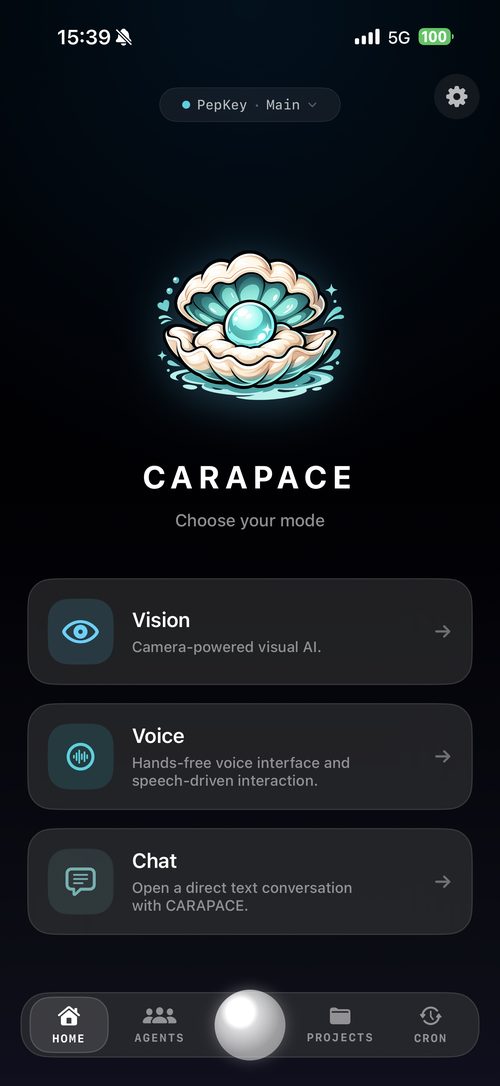
Built-in productivity
CARAPACE gives everyday users the controls that make self-hosted agents useful after the first demo.
Track initiatives per agent and runtime. Convert suggestions into real work when you are ready.
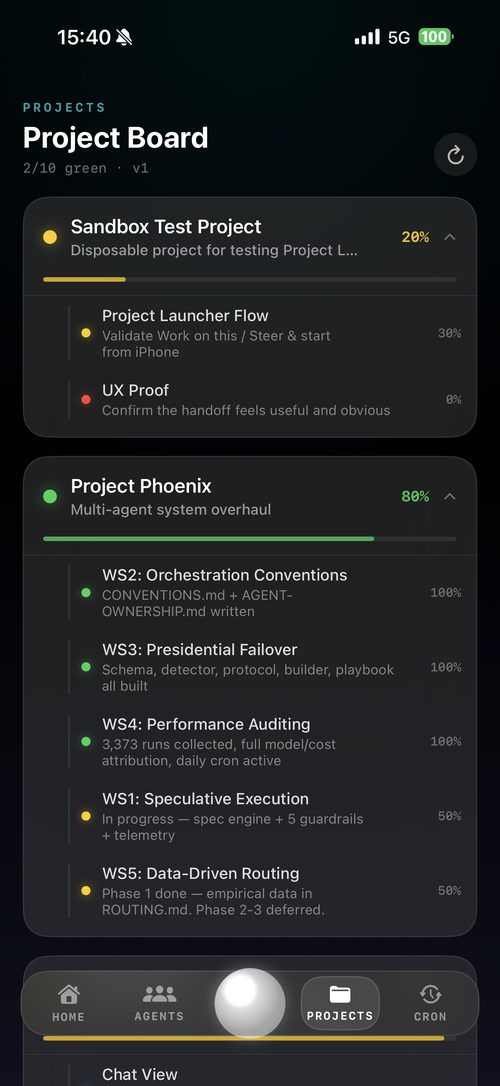
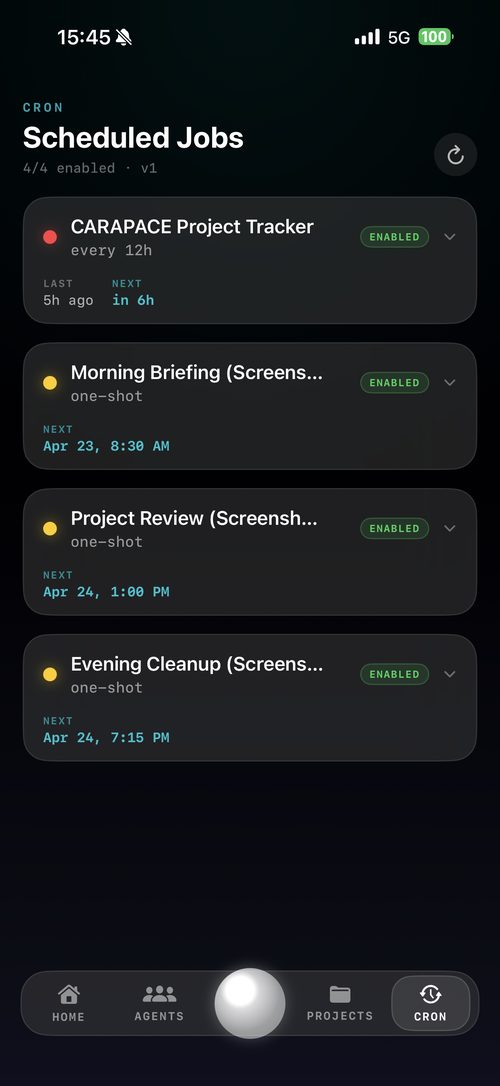
Schedule follow-ups, recurring jobs, and autonomous checks without living in a terminal.
Jump between histories, runtimes, and long-running work without losing the thread.
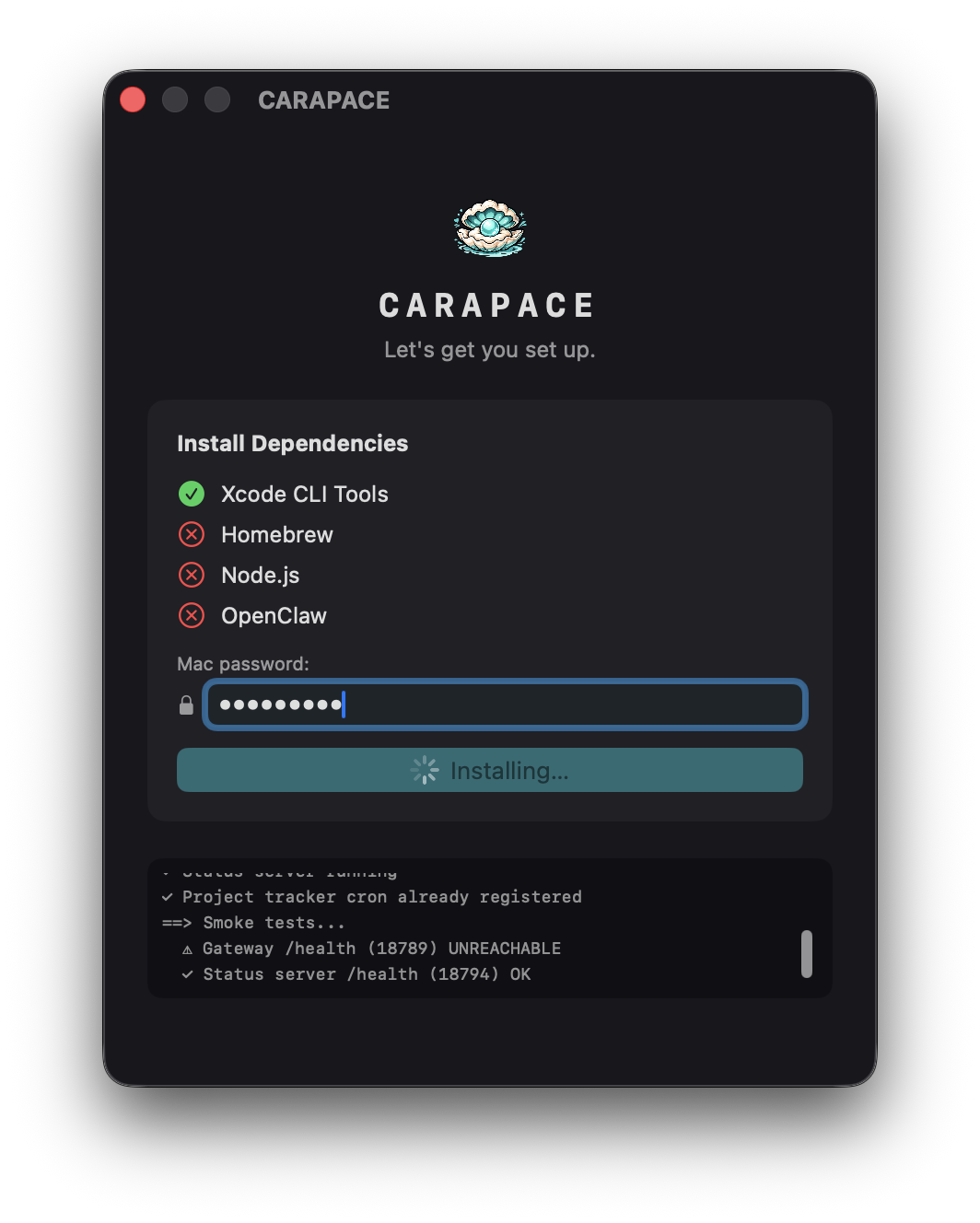
QR pairing, Tailscale routing, OpenClaw install, and optional Hermes support are guided instead of improvised.

Private by design
It is a secure client for the agent systems you run. Your machines stay yours. Your OpenClaw and Hermes endpoints stay behind your gateway and Tailscale route.
Tailscale-first remote access, with pairing by QR instead of public dashboards.
OpenClaw is the primary install path. Hermes is an optional advanced-user addon that can also run standalone.
History, projects, cron, agents, and runtime state remain separated per machine and runtime.
Start here
The guides are intentionally practical. Pick your platform for OpenClaw, or use the Hermes guide if you only want the standalone Hermes runtime bridge.
Download CARAPACE for macOS, run the setup wizard, pair your phone, and add providers.
Download DMG Read Mac guideVision, voice, machine switching, projects, cron, sessions, and agent selection from your phone.
Open App Store Get supportInstall OpenClaw plus CARAPACE, or run the Hermes addon by itself for a standalone Hermes runtime bridge.
curl -fsSL https://openclaw.ai/install.sh | bash
curl -fsSL https://carapace.info/install.sh | bash
curl -fsSL https://carapace.info/install-hermes-agent.sh | bash